

When Technology Forgets Who It’s For
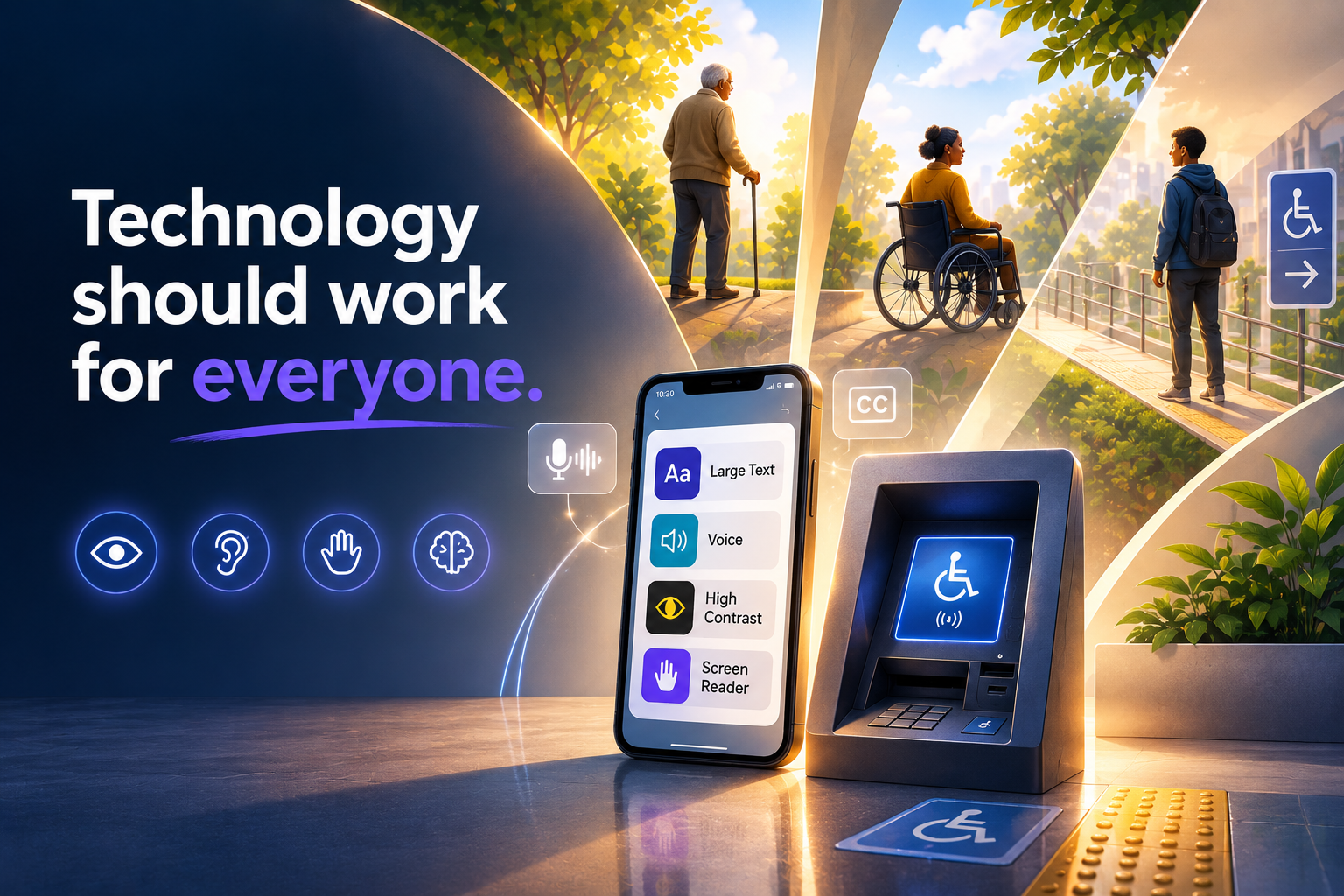
When Technology Forgets Who It’s For
In today’s world, we are surrounded by technology in almost every sphere of life. We use technology to communicate, work, study, shop, manage our finances, access healthcare, travel, entertain ourselves, and stay connected with the people around us. For many of us, interacting with technology has become so routine that we rarely stop to think about whether the same experience is available to everyone.
Globally, about 1.3 billion people, roughly 16% of the population, live with a disability that can affect how they interact with technology, according to the World Health Organization. That represents a significant portion of the people potentially using the websites, applications, devices, platforms, and digital services being created every day.
Whether you like it or not, my friend, technology cannot be avoided. It has become part of how modern society functions. But as technology continues to evolve, there is an important question we need to ask:
Does technology consider everyone, regardless of their abilities, needs, or circumstances?
Innovation is exciting. We celebrate faster applications, smarter devices, artificial intelligence, automation, cloud computing, and increasingly sophisticated digital experiences. But innovation loses some of its value when the people it is supposed to serve cannot actually use it.
Technology should not only be powerful.
It should also be accessible.
What Is Digital Accessibility?
Digital accessibility simply means making technology usable by as many people as possible.
It involves designing digital products with the physical, sensory, and cognitive challenges that some users may experience in mind. The goal is to identify and reduce barriers so that people are not excluded from technologies that others may take for granted.
Accessibility can include supporting users with visual, hearing, mobility, speech, neurological, and cognitive disabilities. It can influence everything from the colours used on a website to the size of a button, the structure of a form, the way a user navigates an application, or whether a video includes captions.
But accessibility is not only about the disabilities we immediately picture.
Temporary injuries, situational limitations, and aging matter too. Someone who breaks an arm may temporarily have difficulty interacting with a keyboard or touchscreen. Someone standing in a noisy environment may rely on captions even though they do not have a hearing impairment. Someone using a phone outside in bright sunlight may benefit from the same strong colour contrast designed for users with low vision.
Our abilities can also change as we age.
Eyesight, hearing, memory, coordination, and mobility can all change over time. The digital experiences that feel effortless today may become more difficult later in life.
Accessibility, therefore, is not simply something we design for "other people."
Sooner or later, accessibility can become personal.
In practice, digital accessibility often means working towards recognised standards such as WCAG 2.2 Level AA. These standards provide guidance on making digital experiences more perceivable, operable, understandable, and robust for different users.
Yet accessibility barriers remain widespread. In WebAIM’s review of the top one million website home pages, about 95% still had detectable accessibility failures, averaging around 51 errors per page.
The technology exists to build accessible experiences.
The challenge is making accessibility part of how we think about technology in the first place.
What Is the Challenge?
Here is the hard truth: many technologies still do not fully consider users who have a limited ability to interact with them.
WebAIM found low-contrast text on about 79% of home pages, while more than half were missing alternative text for images. On mobile, research into leading applications has found that many people who rely on assistive technologies still encounter poor or failing experiences during everyday digital journeys.
These may sound like small design issues, but their consequences can be significant.
A missing image description may mean a screen-reader user cannot understand important visual information. Poor colour contrast may make essential instructions difficult to read. A button that cannot be reached using a keyboard can prevent someone from completing an important task.
For one user, it is a minor inconvenience.
For another, it can make the entire service unusable.
Too often, developers and product teams treat accessibility as something to consider once the main product has already been designed and built. At that point, accessibility becomes a list of problems that need to be "fixed" instead of a fundamental part of the experience.
Consider a few everyday situations.
A user arrives at an ATM. The interface and physical controls have been designed around a particular assumption about how someone will interact with the machine. What happens when the user's physical abilities do not match that assumption?
What if the user has limited or no use of their arms?
How do they operate the machine independently?
Now consider an elderly user who has developed a visual impairment and is trying to use their smartphone. Suddenly, menus that once seemed simple, tiny icons, complicated navigation, and low-contrast text can become obstacles instead of tools.
This is not rare.
In the U.S., disability prevalence rises to about 38% among adults aged 65 to 74 and approximately 55% among those aged 75 and older, according to CDC data.
Age-related accessibility is therefore not a side issue.
It is a core product and business consideration.
There are countless scenarios like these, and many of them play out in real life every day.
The problem is often not that people are unable to use technology.
The technology was simply not designed around the different ways people might need to use it.
Hardware Considerations vs. Software Considerations
Strip technology down and you essentially have hardware running software.
The two work together, and when it comes to accessibility, they have to.
We often focus heavily on software accessibility because websites and applications are where users interact with digital services. But even perfectly accessible software can become difficult to use if the physical device running it creates barriers.
Likewise, accessible hardware cannot compensate for poorly designed software.
Building clever technology is only half the job.
Building inclusive technology is the other half.
Hardware
Hardware manufacturers have a responsibility to think about the different people who may need to interact with their devices.
The ATM is one example, but there are plenty more.
Think about a person with limited mobility entering an elevator alone. If the buttons are positioned too high, are too small, or require precise finger control, that person may be forced to depend on somebody else to perform what should be a simple and independent task.
The same challenge appears in many public technologies.
Imagine an airport check-in kiosk. A traveller may need to scan a passport, select options on a touchscreen, confirm flight information, and print a boarding pass. If the screen is positioned too high for a wheelchair user, the experience may immediately become inaccessible.
A supermarket self-checkout machine can create similar problems. Small touch targets, unclear audio instructions, screens positioned at difficult angles, or controls that require precise movements can make what should be a convenient experience unnecessarily difficult.
Even something as simple as the physical design of a smartphone matters. Button placement, device weight, screen size, vibration feedback, speakers, microphones, and biometric sensors can all influence whether someone can comfortably and independently use the device.
Public terminals show the same pattern. Government surveys of information machines have found widespread barriers, from controls that are difficult to reach to settings that cannot be adjusted appropriately for different visual and hearing needs.
Hardware is the foundation.
If the hardware itself creates a barrier, software can only compensate so much.
This is why accessibility needs to be considered before a device reaches the manufacturing stage—not after thousands of inaccessible devices have already been deployed.
Software
Software can be just as excluding as hardware, even when the underlying device is perfectly usable.
If text is too small and cannot be enlarged, buttons are too small to tap accurately, videos have no captions, or important information is communicated using colour alone, users can be blocked by design.
Apple’s Human Interface Guidelines recommend touch targets of at least 44 by 44 points for a reason. Smaller controls can be more difficult to interact with accurately, particularly for users with motor or visual challenges.
Navigation is another important consideration.
A website may look beautiful visually but become incredibly difficult to navigate with a screen reader if headings, buttons, links, and page structures have not been implemented correctly.
Forms are another common accessibility trap.
Imagine reaching the checkout stage of an online purchase only to discover that the form cannot be completed using a keyboard.
Or imagine using a screen reader and hearing:
"Edit field. Edit field. Button. Button."
without any meaningful description of what information each field requires.
The website technically works.
But does it really work for everyone?
Videos without captions create barriers for Deaf and hard-of-hearing users. Images without alternative text may remove important context for people using screen readers. Complex language and unclear navigation can create difficulties for users with cognitive disabilities.
Accessibility is therefore not simply a matter of making interfaces look different.
It affects how the entire experience is structured.
And even when software tries to compensate for accessibility challenges, it still depends on whether the underlying hardware has been designed with accessibility in mind.
Hardware and software accessibility must work together.
What Is the Solution?
Fortunately, many technology companies and platforms have already started taking accessibility more seriously.
Modern smartphones now include features such as VoiceOver and TalkBack, larger text settings, colour filters, voice control, magnification, and switch control.
Smart TVs can support captions, audio descriptions, voice navigation, and adjustable visual settings.
Websites and applications can be designed according to recognised accessibility standards so that people using assistive technologies can navigate them with greater dignity and independence.
These are not niche extras.
In Level Access’s research, 91% of practitioners said accessibility improves user experience, while 90% said it improves customer satisfaction.
And here is the part people often miss:
Accessibility improvements usually help everyone.
Captions may have been designed primarily for Deaf and hard-of-hearing users, but they are also useful when watching a video on public transport, sitting in a noisy room, or trying not to disturb someone nearby.
Larger touch targets can support users with motor impairments, but they also help someone trying to use their phone while walking, rushing, or wearing gloves.
Higher colour contrast supports people with visual impairments while also making screens easier to read outdoors.
Clear navigation supports users with cognitive challenges while making the application easier for everyone to understand.
Accessibility often produces better design because it forces us to think carefully about how people actually interact with technology.
Accessibility Makes Business Sense
There is also a clear business case for building accessible technology.
When a product is inaccessible, a business is potentially excluding customers before they have even had the opportunity to experience what that product offers.
Accessibility can therefore influence customer acquisition, retention, satisfaction, brand reputation, and ultimately revenue.
Accenture has reported that companies leading in disability inclusion generate approximately 1.6 times more revenue and 2.6 times more net income than their peers.
There is also increasing legal and regulatory pressure around digital accessibility.
UsableNet tracked more than 5,000 ADA-related digital accessibility lawsuits in the U.S. in 2025, with settlements commonly reaching tens of thousands of dollars.
Ignoring accessibility is therefore no longer simply a design flaw.
It can become a commercial and compliance risk.
But accessibility should not be pursued only because of regulations, lawsuits, or revenue opportunities.
At its core, accessibility is about giving people equal opportunities to participate in an increasingly digital society.
Accessibility Should Start at the Beginning
The real solution is not a single accessibility feature, plugin, checklist, or setting.
It requires a shift in mindset.
Accessibility needs to be part of the design process from the beginning, not a patch that gets added once the product has already been built.
Designers, developers, product managers, testers, and hardware manufacturers should be asking accessibility questions from the earliest stages of a project.
Questions such as:
- Who might struggle to use this?
- What assumptions are we making about the "average" user?
- Can this experience be completed without a mouse?
- What happens if someone cannot see the screen clearly?
- Is important information communicated through sound alone?
- Can someone with limited mobility complete the task independently?
- Would someone with cognitive challenges understand the instructions?
- What happens when a user's abilities change?
Different disabilities require different forms of support.
A visually impaired user may rely on screen readers, magnification, strong contrast, or audio cues.
A Deaf or hard-of-hearing user may rely on captions, transcripts, and visual alerts.
Someone with motor impairments may need larger tap targets, voice commands, keyboard navigation, switch controls, or alternative input methods.
Someone with cognitive challenges may benefit from simpler language, predictable navigation, clear instructions, and interfaces that reduce unnecessary complexity.
An older adult may need a combination of these features as vision, hearing, memory, and mobility change over time.
There is no single accessibility feature that solves every challenge.
Accessibility works when these realities are treated as design requirements rather than edge cases.
Technology Should Work for People
Technology continues to transform how we communicate, work, shop, travel, learn, access services, manage money, receive healthcare, and interact with the world around us.
The more essential technology becomes, the more important accessibility becomes with it.
Progress should therefore not only be measured by how intelligent our systems are, how quickly our applications respond, or how advanced our devices become.
It should also be measured by how many people are actually able to use them.
Building inclusive technology means recognising that there is no single "average" user.
People interact with technology differently. Their abilities, environments, devices, and circumstances vary, and those circumstances can change throughout their lives.
A product designed around one narrow idea of a user will inevitably exclude people who do not fit that assumption.
The question technology teams should ask is therefore not simply:
"Can we build this?"
They should also ask:
"Who are we building it for?"
And perhaps most importantly:
"Who might we unintentionally be leaving behind?"
Because innovation should not create new barriers while trying to solve old problems.
Technology is ultimately created to serve people.
And if design ignores disability, technology leaves people behind.